Thumbnail Vault
Full breakdown Back to the library
Blender 2.8 Beginner Tutorial - Part 1 thumbnail14:33

Blender 2.8 Beginner Tutorial - Part 1

Save reference
What to study

Desired Outcome

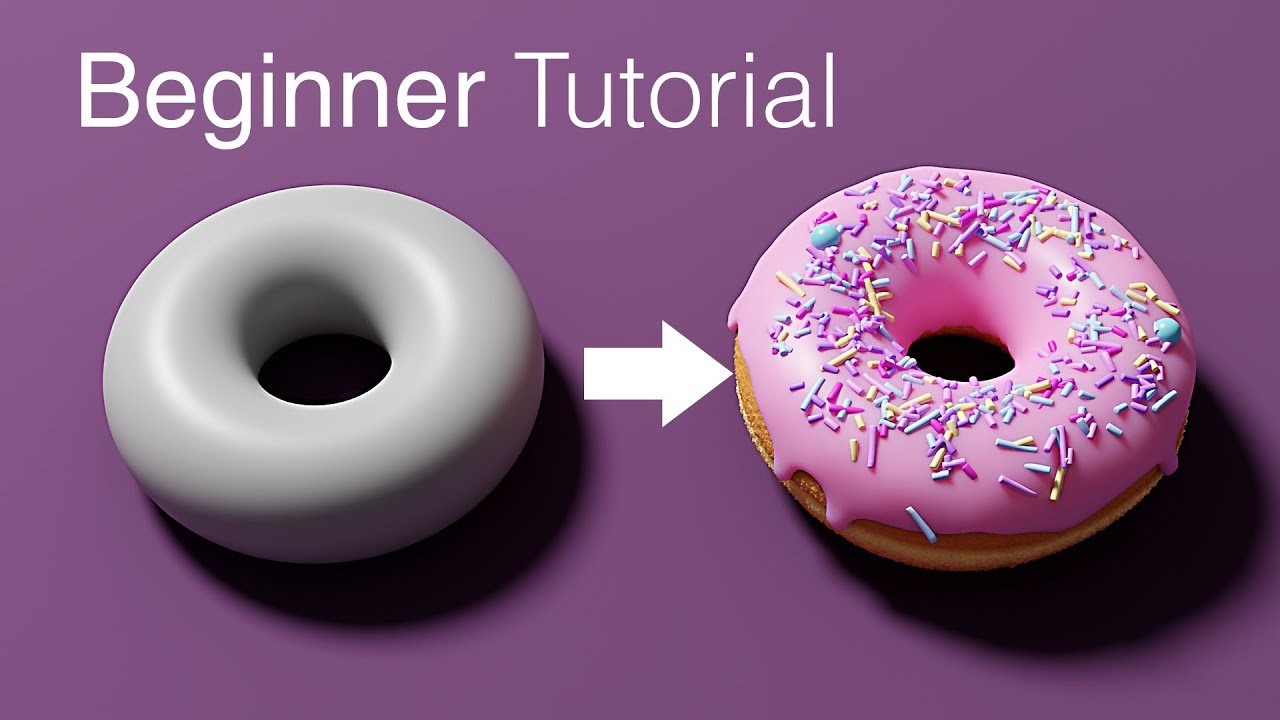
The arrow runs from a grey blob to a finished pink donut, so the promise is the leap you will make. The blob matters as much as the donut because it looks like something you could do today. Beginner on the image removes the excuse.

How the packaging works
Title

Names the software and version so searchers land in the right place.

Thumbnail

Shows the before and after so the reward of the tutorial is visible.

Remix this

When you teach software, show the exact result a first-timer will finish with, next to the rough starting state. Skip screenshots of the interface, the viewer buys the outcome, not the menus.
Make this prompt yours

Add your video details, then paste the prompt into your own AI chat.

Leave anything blank, and your AI will ask for what it needs.

Read the prompt
Blender 2.8 Beginner Tutorial - Part 1 thumbnail

Your browser can only copy text, so drag this thumbnail into your AI chat too.

The transferable lesson

Show the leap, not the interface.

NicheGeneral TechnologyAnimation & Short Films
FormatHow-to / TutorialAnimation
Click driverDesired OutcomeIdentity & Self-Relevance
Visual signalArrowBefore and AfterSide-by-Side ComparisonTransformation
Turn the lesson into a decision

Apply this pattern to your next video.

Bring the reference into a packaging brief, then decide what your title and thumbnail should each communicate.

Create a free account to save hand-curated video ideas, thumbnails and titles.

or use email

Already have an account?