 7:54
7:54Apple Preview Is Secretly Insane.
Save referenceCuriosity Gap
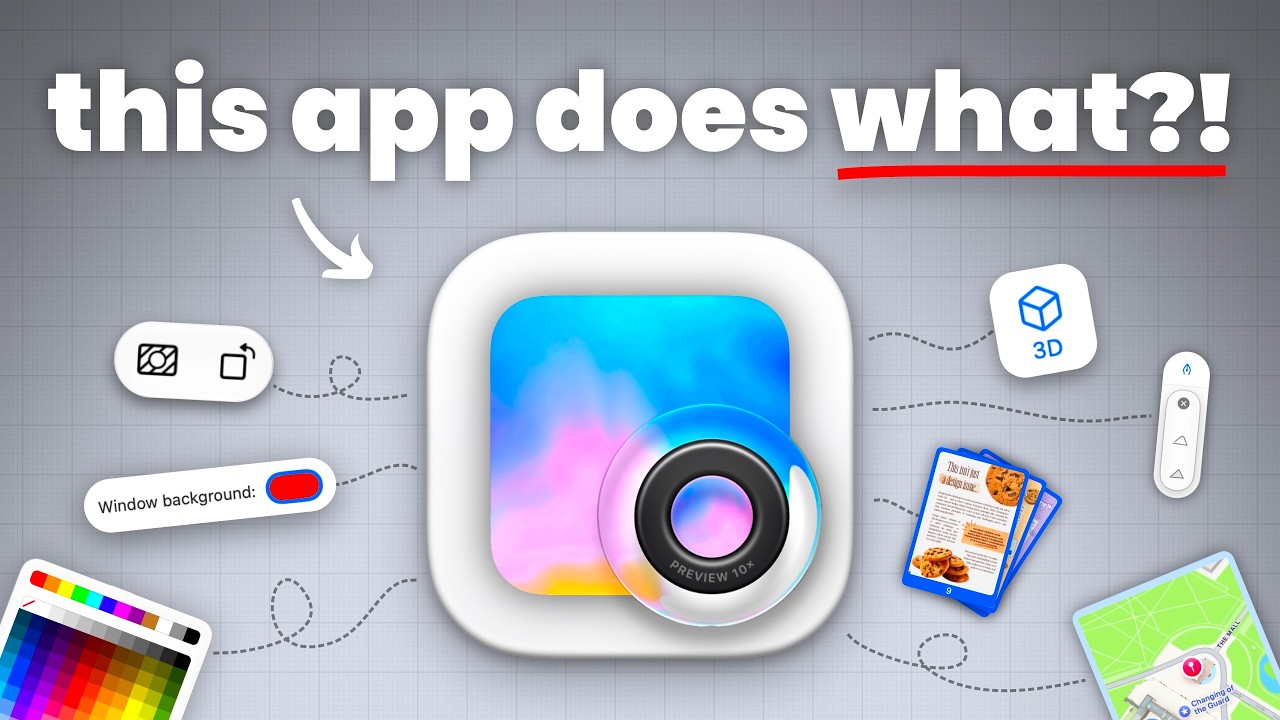
Preview comes with every Mac, and most people only open PDFs in it. 'Secretly Insane' says it hides far more. The thumbnail asks 'this app does what', and the web of little tool icons hints at a lot without saying what.
'Secretly' tells Mac owners the power has been on their machine all along, so there's nothing to buy, and 'Insane' sets how big the surprise should be.
The icon is huge on a plain grey grid, so Mac users know it on sight, and the red line under 'what' points to the part you don't know yet.
When your audience already owns a tool they think is basic, show its icon big enough to recognise instantly. Put their surprised question in the thumbnail, and hint at the features around it without naming any.
Show the ordinary tool they own and ask what it does.
Apply this pattern to your next video.
Bring the reference into a packaging brief, then decide what your title and thumbnail should each communicate.