 15:42
15:42How I Use AI to Automate Content Creation - Step-by-Step (FULL GUIDE)
Save referenceDesired Outcome
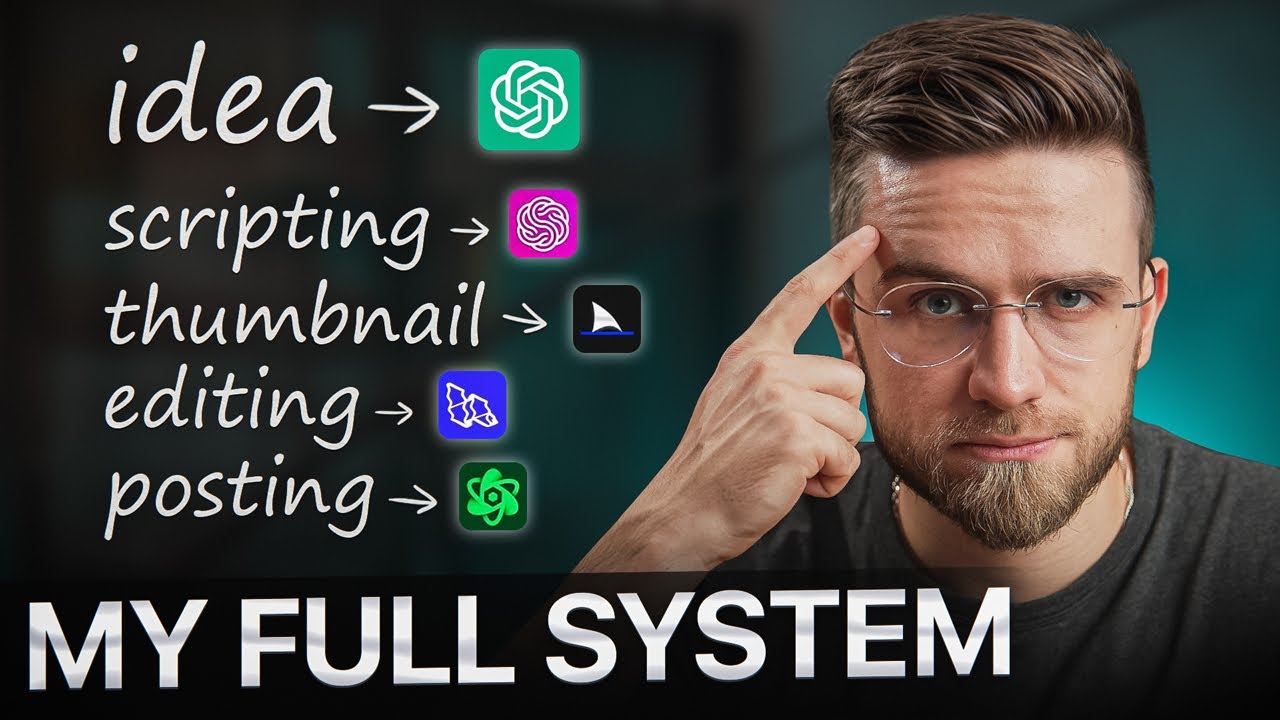
If making content eats your week, handing each step to an AI tool is what you're after. You'll spot ChatGPT, but the icons for thumbnail, editing and posting are less familiar. MY FULL SYSTEM says you'll get every one.
'How I Use' gives it the weight of a working creator's real setup, and 'Step-by-Step' tells viewers they can copy it without guessing.
The handwritten list maps each step to a tool, so the system looks complete at a glance, and the unfamiliar icons after ChatGPT are what you click to name.
When you teach a process, list its steps in the thumbnail with the tool for each one. Include one tool everyone knows and a few they don't, and keep their names off the image.
Show the whole chain, and leave some links unnamed.
Apply this pattern to your next video.
Bring the reference into a packaging brief, then decide what your title and thumbnail should each communicate.