Thumbnail Vault
Full breakdown Back to the library
First 7 Things I Do to Setup a MacBook: Apps, Settings & Tips thumbnail8:47

First 7 Things I Do to Setup a MacBook: Apps, Settings & Tips

Save reference
What to study

Curiosity Gap

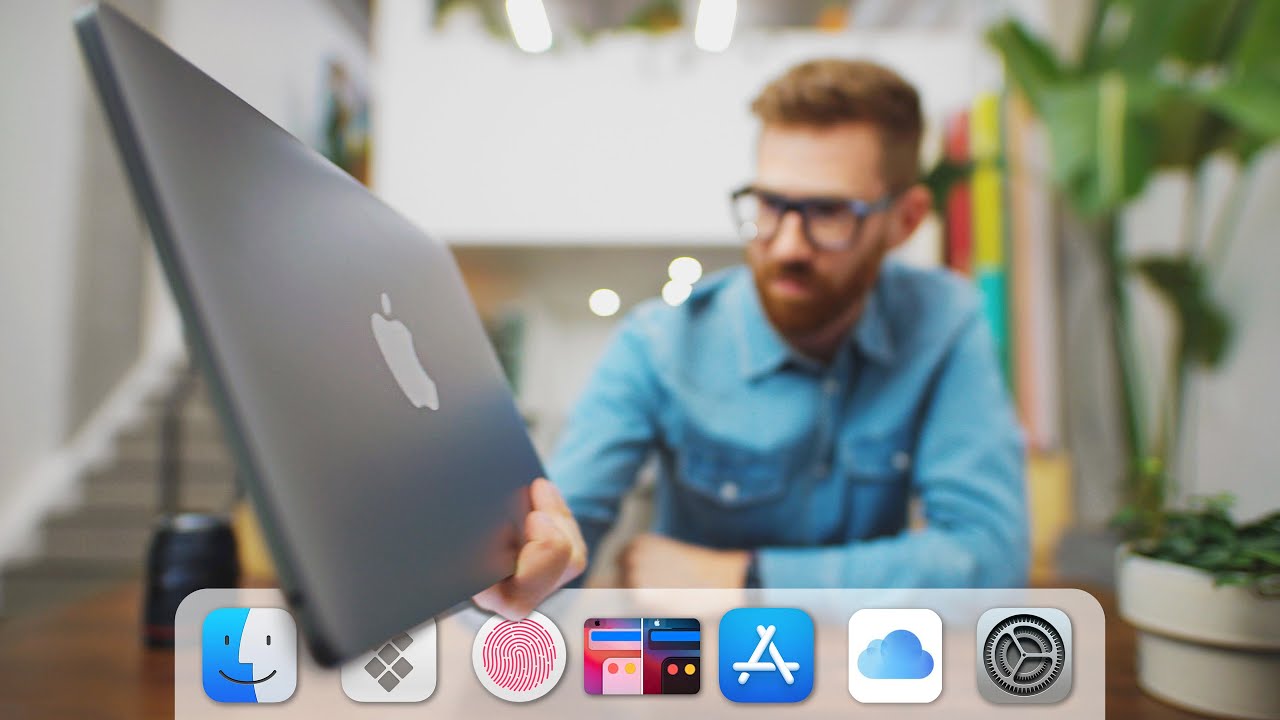
The row of icons along the bottom hints at the seven changes without revealing any of them. A new MacBook owner wants to begin properly, and the answers sit just beyond reach. He holds the laptop like the process is about to begin.

How the packaging works
Title

The title promises seven first steps for a brand-new machine.

Thumbnail

The thumbnail hints at the steps with a row of unnamed icons.

Remix this

Use this when your video is a short list of first steps. Hint at the list with small visuals rather than spelling the steps out, and aim it at people who just got the thing.
Make this prompt yours

Add your video details, then paste the prompt into your own AI chat.

Leave anything blank, and your AI will ask for what it needs.

Read the prompt
First 7 Things I Do to Setup a MacBook: Apps, Settings & Tips thumbnail

Your browser can only copy text, so drag this thumbnail into your AI chat too.

The transferable lesson

Hint the list, never spell it out

NicheGeneral TechnologyBooks
FormatAdviceHow-to / TutorialList / Roundup
Click driverCuriosity GapIdentity & Self-Relevance
Visual signalIcon
Turn the lesson into a decision

Apply this pattern to your next video.

Bring the reference into a packaging brief, then decide what your title and thumbnail should each communicate.

Create a free account to save hand-curated video ideas, thumbnails and titles.

or use email

Already have an account?