 13:20
13:20ChatGPT 6 Astra Just Changed CapCut Forever
Save referenceIdentity & Self-Relevance
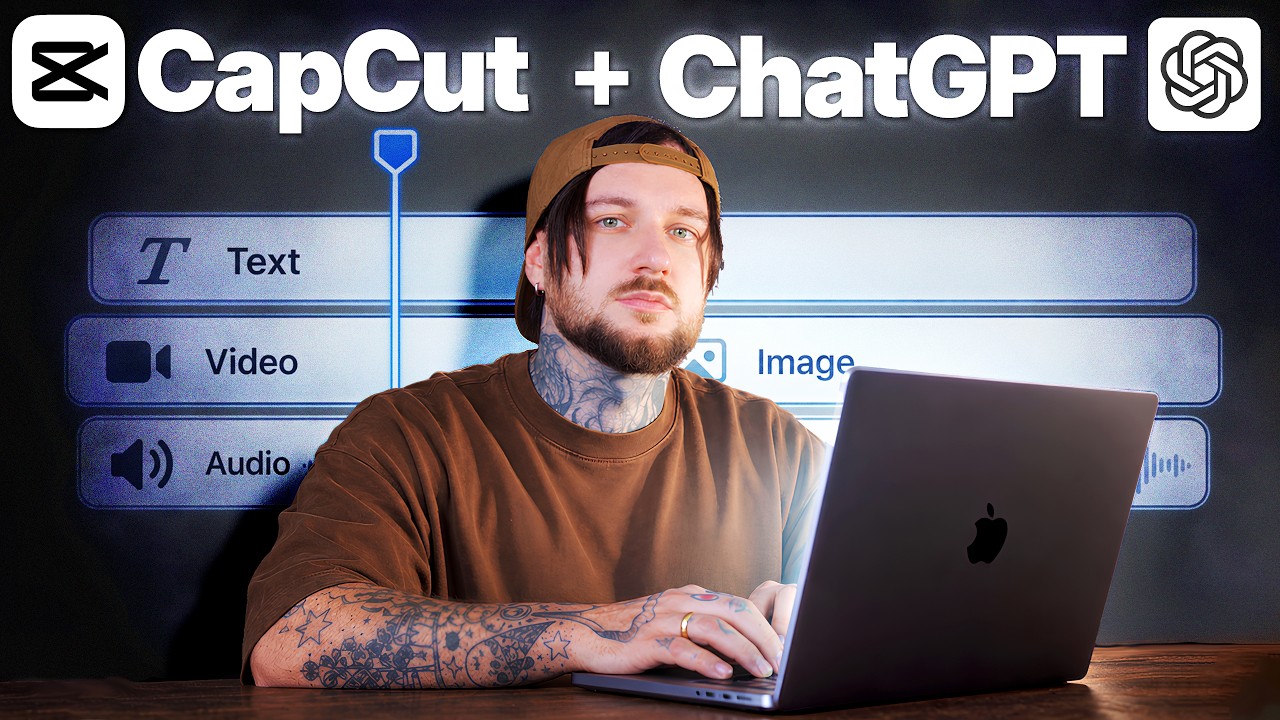
CapCut users see their own editor's logo first, then ChatGPT beside it. Underneath are the text, video and audio tracks they normally fill by hand. So they wonder whether the AI now fills them, and how.
Naming CapCut in the title narrows the news to people who edit in that app, so each of them reads it as a change to their own tool.
The pale Text, Video and Audio bars read as a timeline even when small, and Danny's straight look to camera makes CapCut + ChatGPT feel like an update, not hype.
When a big update affects one specific tool your viewers use, name that tool in the title rather than the whole platform. Put its logo first in the thumbnail, so its users spot their own badge before anything else.
Name the tool they use, not the whole platform.
Apply this pattern to your next video.
Bring the reference into a packaging brief, then decide what your title and thumbnail should each communicate.