 11:54
11:54Professional Packaging Design & Logo Design Tutorial | Adobe Photoshop & Illustrator 2023
Save referenceDesired Outcome
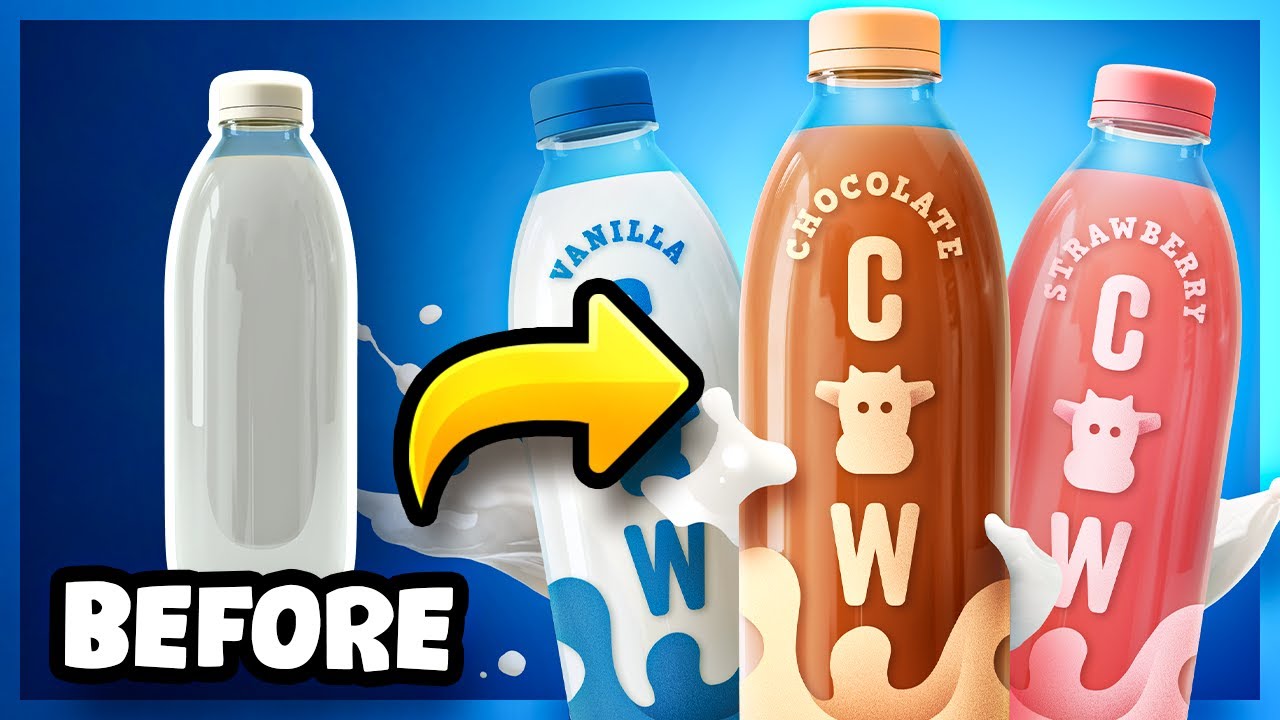
A plain milk bottle becomes a range of three flavoured milks, and each bottle's colour tells you the flavour before you read a word, brown for chocolate, pink for strawberry. The friendly cow face ties all three together as one brand.
Naming Photoshop and Illustrator matches what designers search for, and 'Professional' tells them this is client-grade work, though '2023' now dates it.
BEFORE under the plain bottle and a big yellow arrow make it a transformation at a glance, and the milk splash behind the range adds movement the before doesn't have.
When your after is a set of variants, give each one its own colour so viewers can tell them apart at feed size, and tie them together with one shared symbol.
Colour each variant, and tie them with one symbol.
Apply this pattern to your next video.
Bring the reference into a packaging brief, then decide what your title and thumbnail should each communicate.