 21:18
21:185 STEPS to Add Harmony to a Melody
Save referenceDesired Outcome
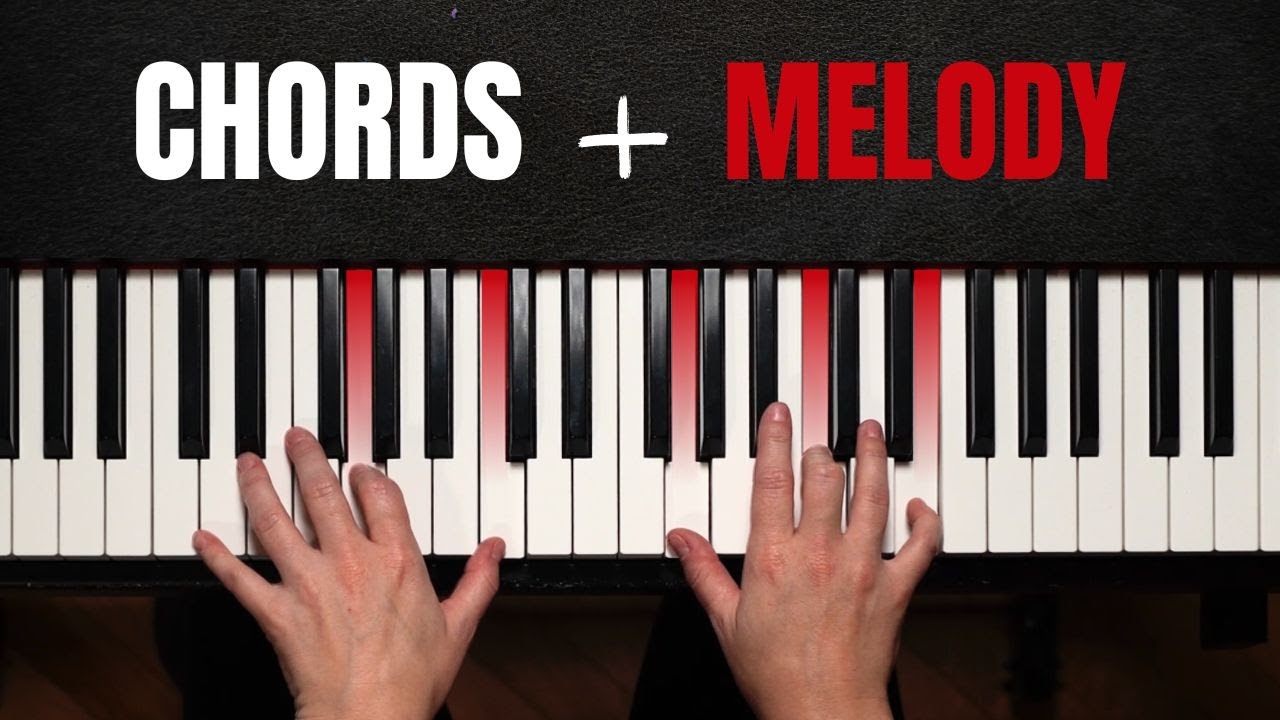
This works mostly on design. Plenty of pianists can play a melody or a chord, but not both at once. CHORDS + MELODY turns the goal into a simple sum, and the red keys hint at which notes. Nothing shows which step comes first.
'5 STEPS' makes a fuzzy skill sound like a process with an end, and 'Add Harmony' tells solution-aware players this is about sounding fuller.
The red keys and red MELODY tie together on a dark background, so it reads at feed size, though the hands and highlighted keys don't show the five steps.
When your lesson combines two skills your audience already has separately, put them as a simple sum in the thumbnail. Mark the specific keys, buttons or parts involved, and number the steps in the title.
Turn the goal into a sum of skills they already have.
Apply this pattern to your next video.
Bring the reference into a packaging brief, then decide what your title and thumbnail should each communicate.