 19:36
19:36The BEST iPhone Camera Settings – Fix Your Photos!
Save referenceDesired Outcome
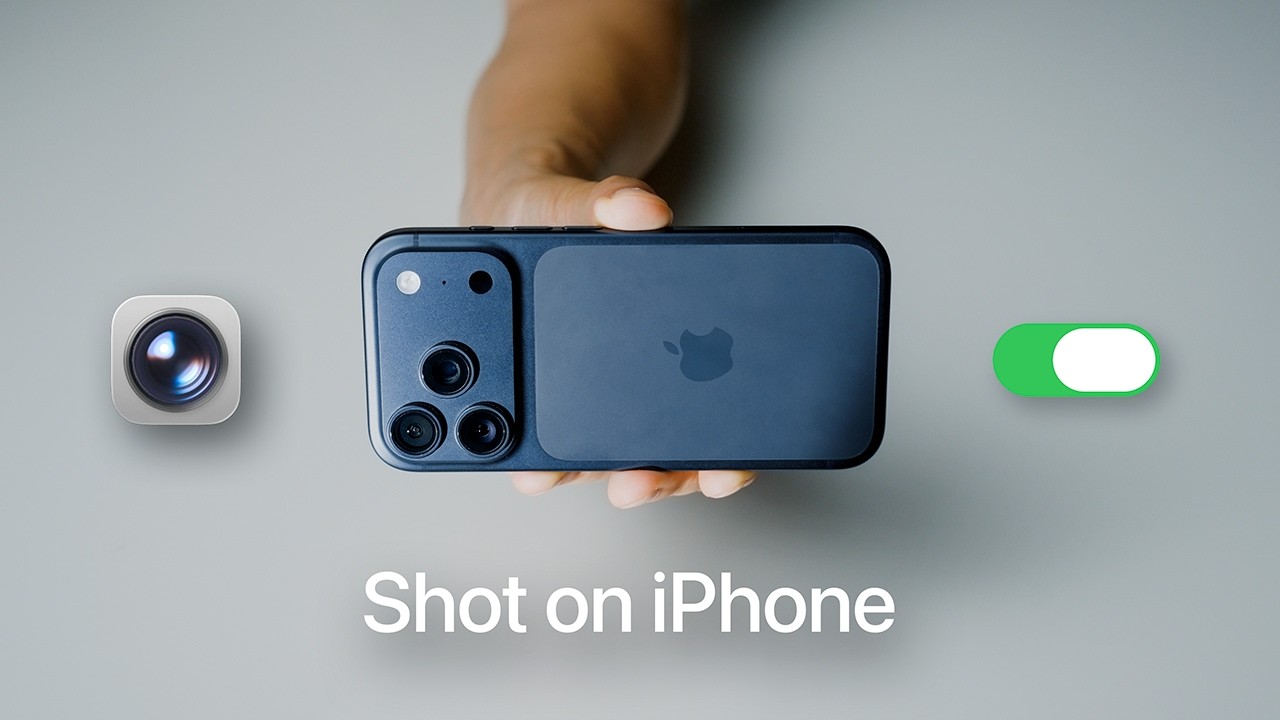
'Shot on iPhone' is Apple's own ad line, the one under those billboard photos. Beside the phone sit the Camera app and a green switch turned on, so photos like that look one setting away. You click to find out which switch.
'Fix Your Photos' tells iPhone owners their pictures have a problem they can solve, and 'BEST' says the settings are already picked for you.
The grey background, Apple-style lettering and floating icons make it look like an Apple ad, and the switch is iPhone shorthand everyone reads as 'turn this on'.
When your fix is a setting on a device everyone owns, show the device with the setting's own icon or switch beside it. Borrow the look of the maker's adverts so the result feels official.
A switch turned on says the fix is one setting away.
Apply this pattern to your next video.
Bring the reference into a packaging brief, then decide what your title and thumbnail should each communicate.