 4:55:04
Beginner Blender 4.0 Tutorial (2023)
Save referenceDesired Outcome
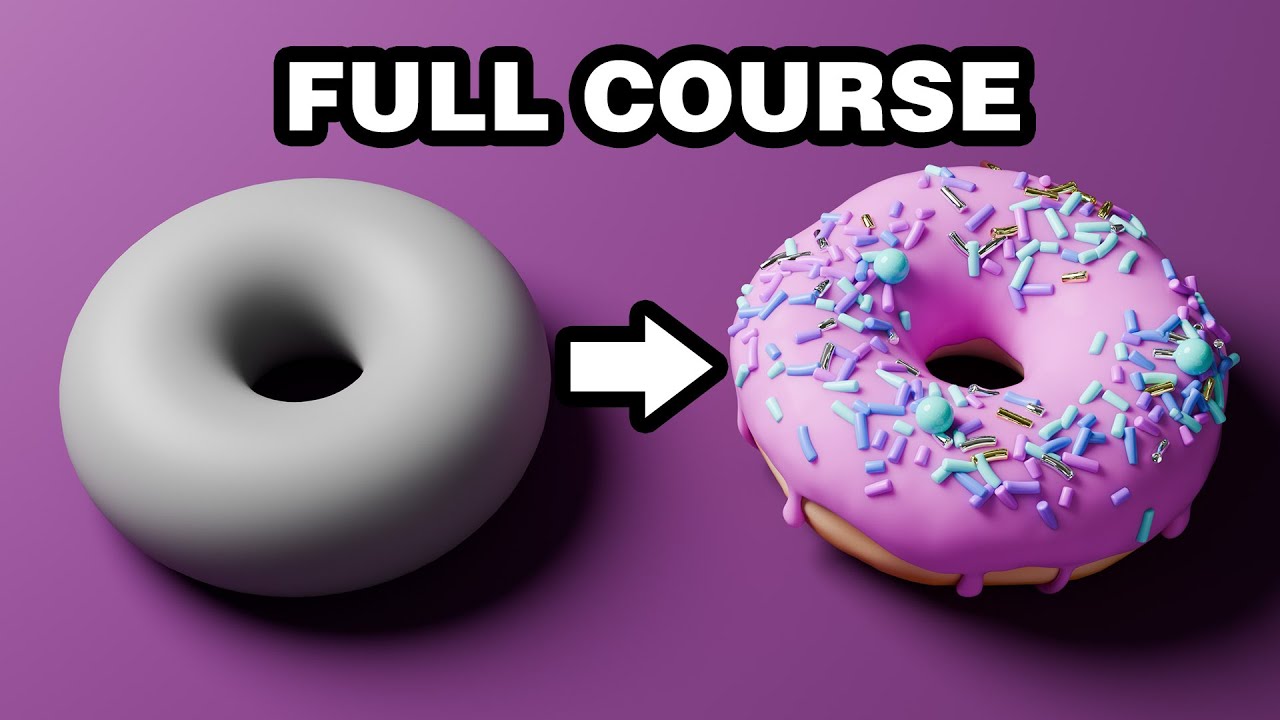
The Blender donut is the project countless beginners start with, so fans recognise it on sight. For newcomers, it's a friendly first goal rather than a scary piece of software. FULL COURSE promises to take you from opening Blender to that finished render.
'Beginner' tells newcomers it starts from zero, and '4.0' matters because Blender changes a lot between versions, though '(2023)' will make it look old.
The arrow from a plain grey model to a finished, sprinkled render is the whole course in one picture, and the grey before makes the pink icing look even richer.
When your course ends in one satisfying project, show it as a before and after, from the rough start to the finished piece. Pick a friendly, fun subject so the software or skill feels less scary.
A friendly first project makes a hard skill feel doable.
Apply this pattern to your next video.
Bring the reference into a packaging brief, then decide what your title and thumbnail should each communicate.