 16:29
16:29Learn how to create a Juniper Bonsai tree
Save referenceDesired Outcome
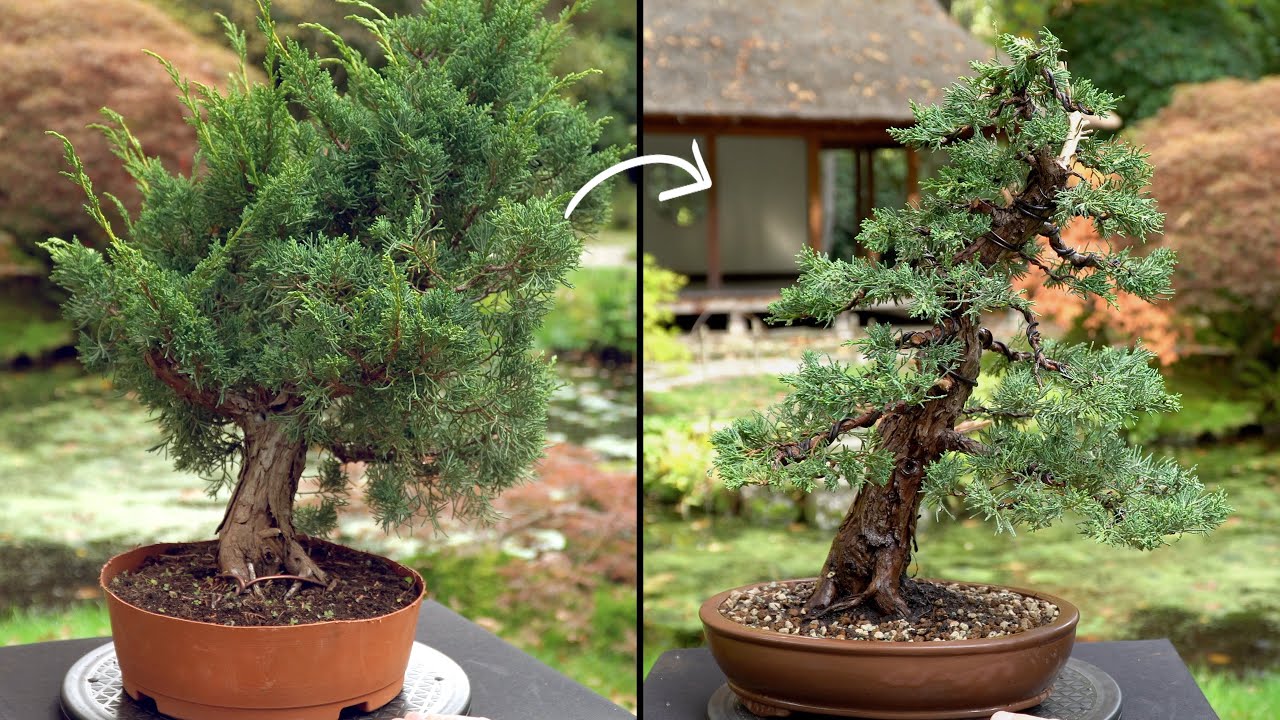
The before is an ordinary bushy juniper, like one from any garden centre. The after is a proper bonsai with a revealed trunk and shaped branches. That makes the craft feel within reach, so you want the steps.
'Learn how to create' is a plain how-to that matches what beginners search, and naming the juniper tells them which common tree to buy.
The plastic pot on the left and the shallow bonsai pot on the right do half the storytelling, and the curved arrow reads as before and after without any text.
When you teach a transformation, start from the most ordinary version your viewers could buy or find today, and show the same item after. No text is needed if the change is obvious.
Start from something they could buy today.
Apply this pattern to your next video.
Bring the reference into a packaging brief, then decide what your title and thumbnail should each communicate.