 36:58
36:58Master 95% of Claude Code in 36 Mins (as a beginner)
Save referenceScale & Specificity
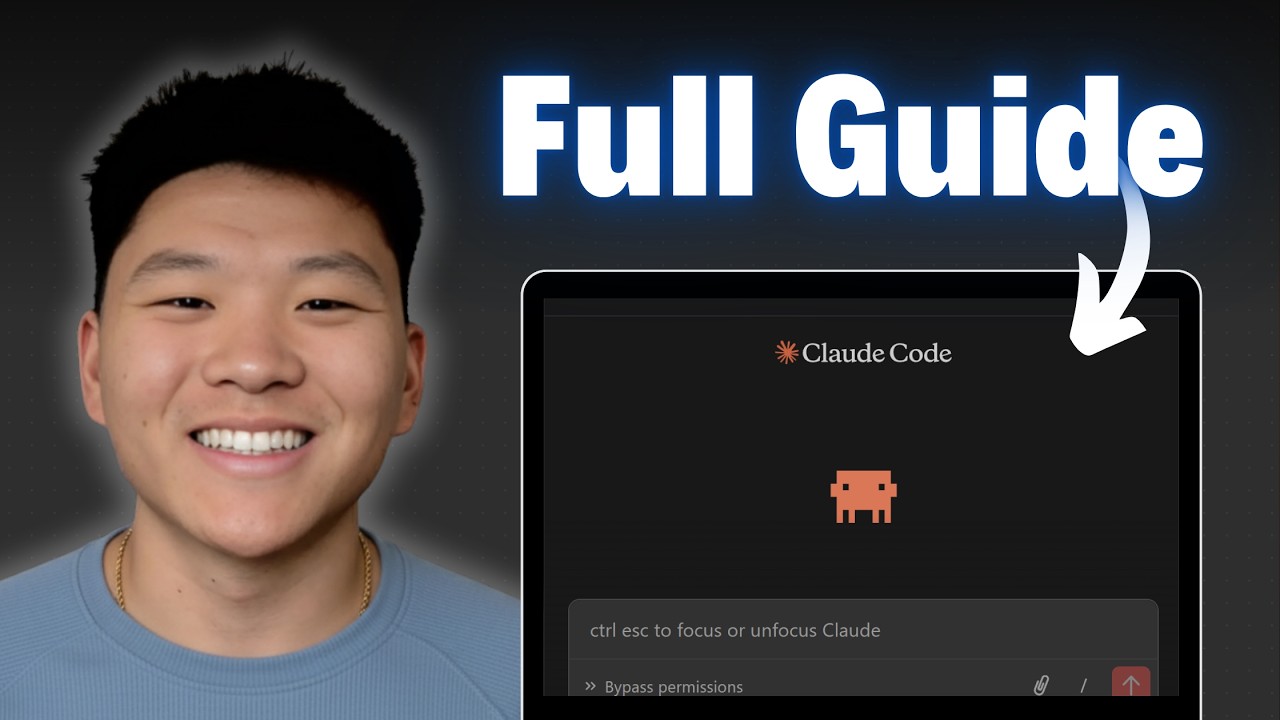
Master 95% in 36 minutes puts numbers on the shortcut, so the promise feels measured rather than hyped. The tool's real screen sits behind him, showing exactly what you will be looking at, which calms a beginner more than any bold claim could.
Title
The title turns the learning curve into two checkable numbers and names the beginner.
Thumbnail
The tool's real screen plus a full guide label shows beginners what they will see.
If you teach a tool to beginners, show its real screen in the image. Familiar pixels lower fear. Keep the percent and the minutes in the title where they can be weighed.
Quantify the shortcut, show the real screen
Turn the lesson into a decision
Apply this pattern to your next video.
Bring the reference into a packaging brief, then decide what your title and thumbnail should each communicate.