Thumbnail Vault
Full breakdown Back to the library
How to Make AI Generated Profile Pictures Using Lensa App (Magic Avatars) thumbnail5:40

How to Make AI Generated Profile Pictures Using Lensa App (Magic Avatars)

Save reference
What to study

Desired Outcome

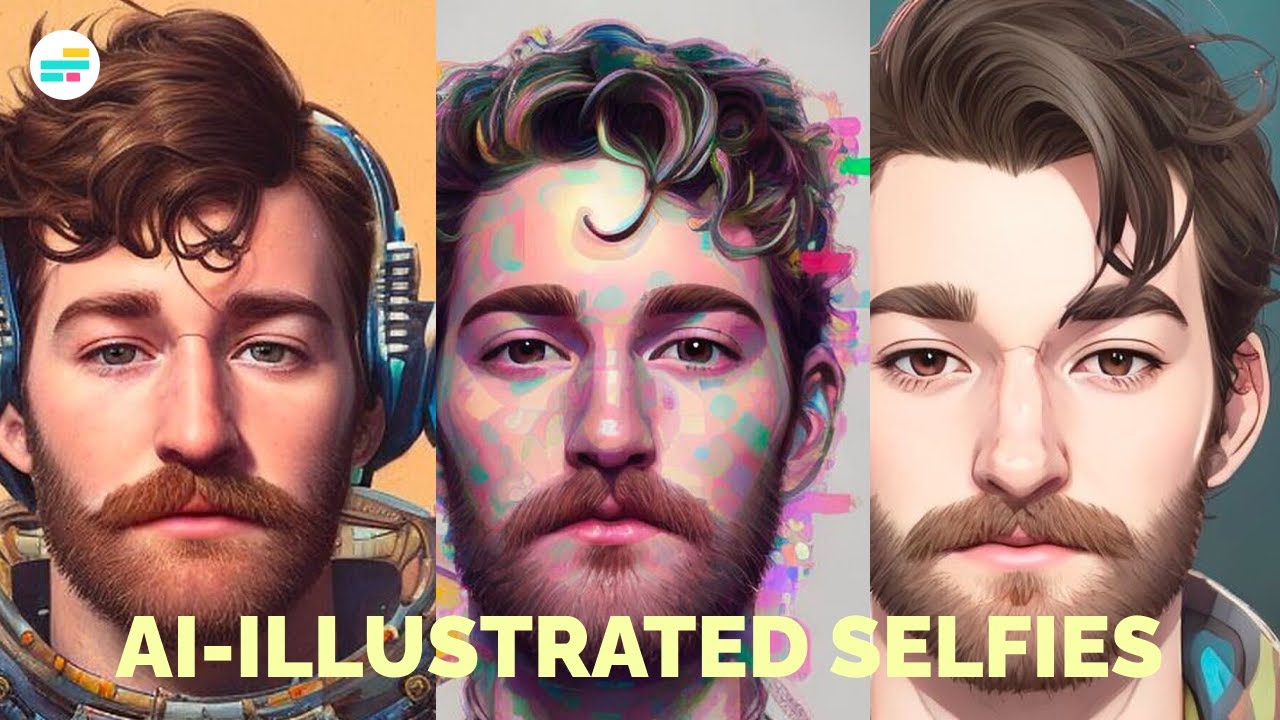
Three versions of one face show the exact range you would get, so the result sells itself. This is a trend-search click, the image answers the searcher's real question, will mine look good, and the title carries the tool name for anyone hunting it.

How the packaging works
Title

The title names the tool and the task people were searching for.

Thumbnail

The image shows three real avatar results made from one face.

Remix this

Use this when your output is visual and the viewer is deciding whether to try a tool. Show three real results side by side rather than one perfect pick, because range reads honest where a single best case reads staged.

Make this prompt yours

Add your video details, then paste the prompt into your own AI chat.

Leave anything blank, and your AI will ask for what it needs.

Read the prompt
How to Make AI Generated Profile Pictures Using Lensa App (Magic Avatars) thumbnail

Your browser can only copy text, so drag this thumbnail into your AI chat too.

The transferable lesson

Show the honest range of results, not one showpiece.
NicheArtificial Intelligence
FormatHow-to / Tutorial
Click driverDesired OutcomeTimeliness & Exclusive Access
Visual signalFace-LedRepetitionSide-by-Side ComparisonTransformation
Turn the lesson into a decision

Apply this pattern to your next video.

Bring the reference into a packaging brief, then decide what your title and thumbnail should each communicate.

Create a free account to save hand-curated video ideas, thumbnails and titles.

or use email

Already have an account?