 5:00
5:00how to make a VideoStar edit in 5 minutes! *beginners tutorial* transitions, importing etc
Save referenceDesired Outcome
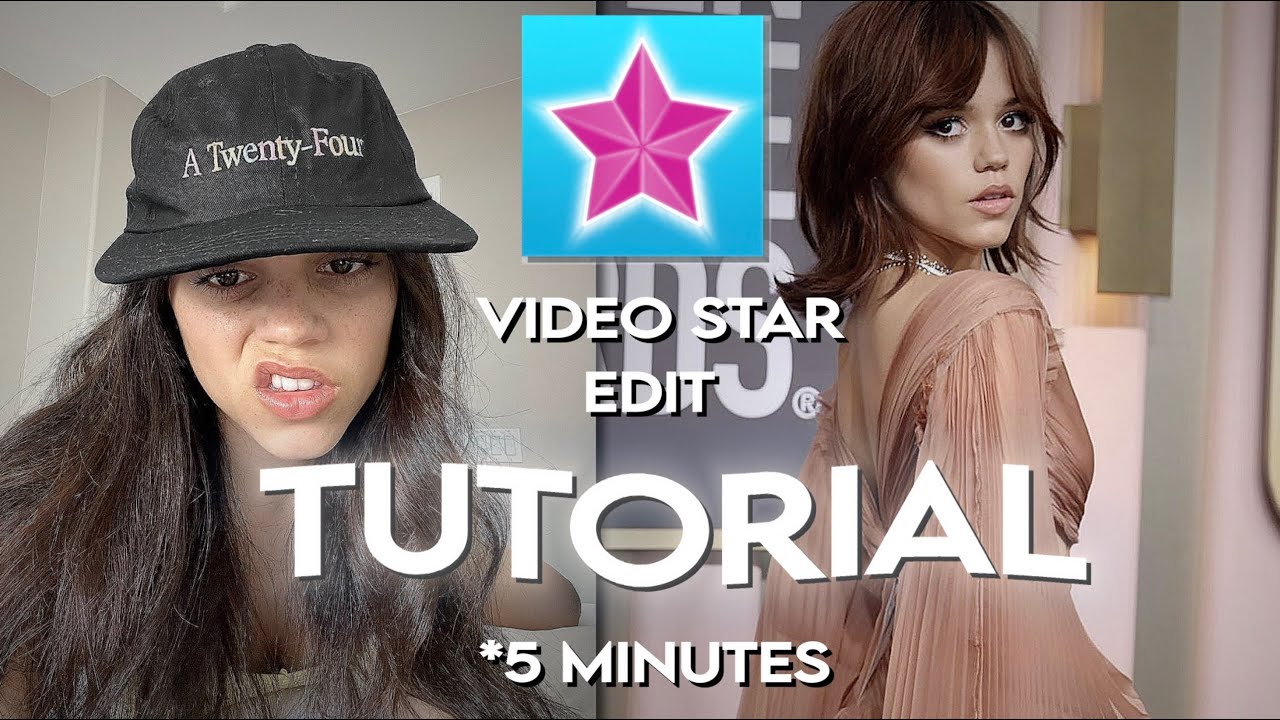
The finished edit on the right does the selling because it looks worth making. The five minute tag keeps the effort tiny. But the image text restates the title, app name and all, wasting a whole surface on an idea already sold.
Title
The title names the app, the task, the time cost and the beginner level.
Thumbnail
The image shows the finished edit beside the app logo and repeats the title.
If you teach a visual skill, let the finished result fill one side of the frame. Spend your image text on what the result cannot say, the catch or the speed, never the title again.
Show the outcome; never spend text repeating the title.
Turn the lesson into a decision
Apply this pattern to your next video.
Bring the reference into a packaging brief, then decide what your title and thumbnail should each communicate.