 9:07
9:07How I Use Claude for Excel to Save 10 Hours Every Week
Save referenceDesired Outcome
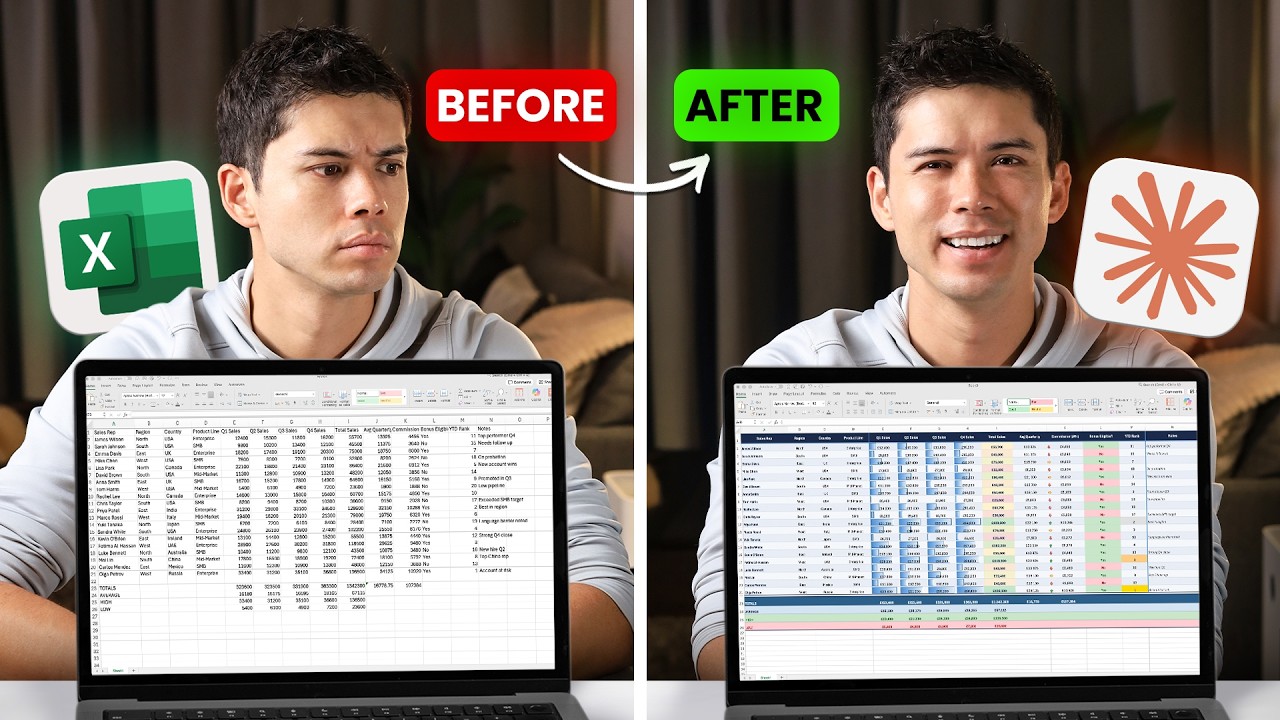
A clean split, same man, same desk, only the spreadsheet and the face change. The format reads as transformation. The weakness is that both sheets look similar at feed size, so the frown and the smile end up carrying the contrast the screens should show.
Puts a number on the payoff, ten hours saved every week.
Shows the before and after of the same job so the change feels real.
Use a before and after split when a tool visibly changes your work. Make the before genuinely ugly, a wall of grey mess, because if the halves match at a glance the story dies.
A before and after fails unless the before looks worse
What to avoid copying
The before sheet is not bad enough. Weak contrast makes the two states read as one.
Apply this pattern to your next video.
Bring the reference into a packaging brief, then decide what your title and thumbnail should each communicate.